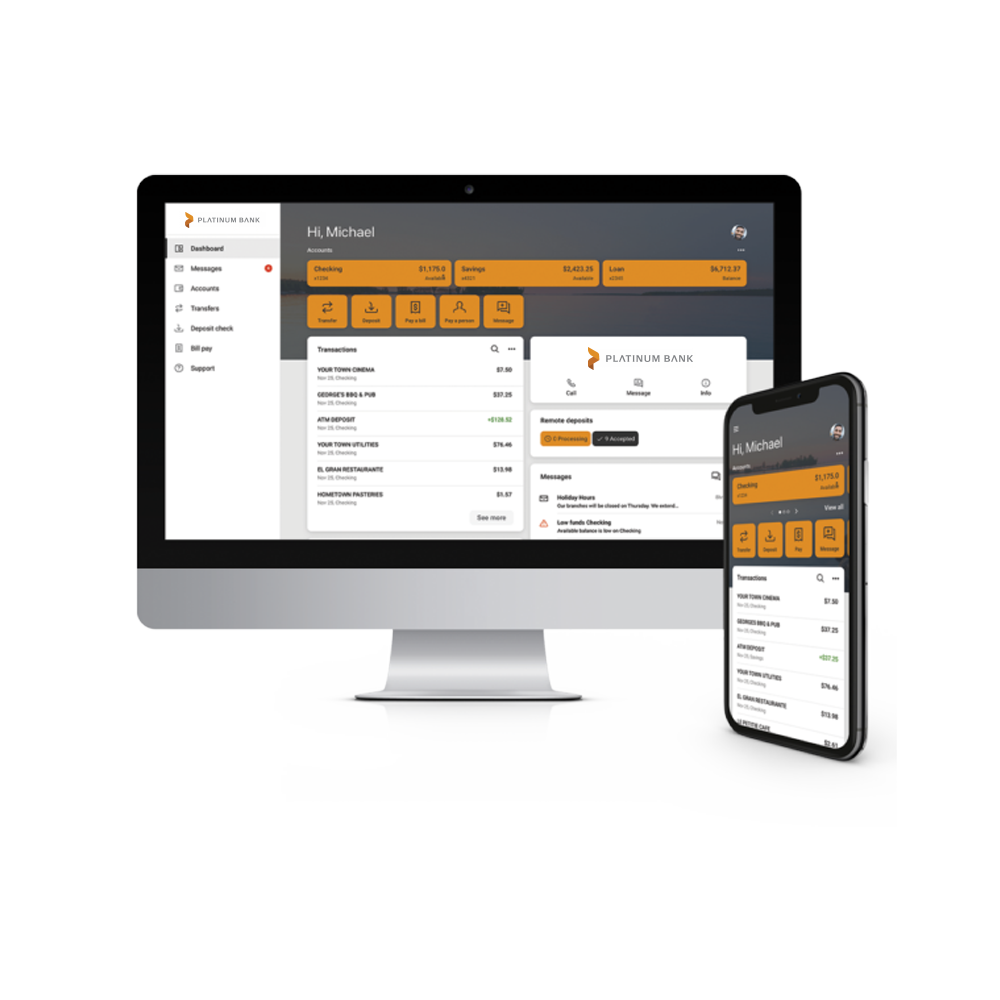
You can simply log in to your account online or on your Platinum Bank Mobile App. If you don’t have the app yet, you can download it from the App Store® or Google Play™ today.
Choose an account from the Dashboard > eStatements > Sign Up/Changes
Verify the email address listed on the enrollment document.
Read through the disclosures. Once you’ve read through, you can check the box to agree to the listed terms.
An enrollment confirmation will then pop up. Click “OK”.
Select which accounts you would like to enroll in e-statements. If you would like all accounts enrolled, select “Enroll All Available Accounts and Document Types Shown”.
Save your settings on the final screen. You are now enrolled in e-statements!
Future accounts may need to be enrolled separately.